Description
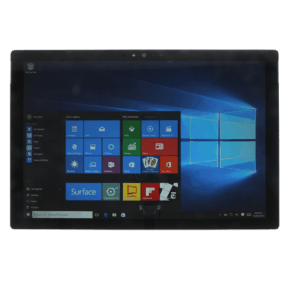
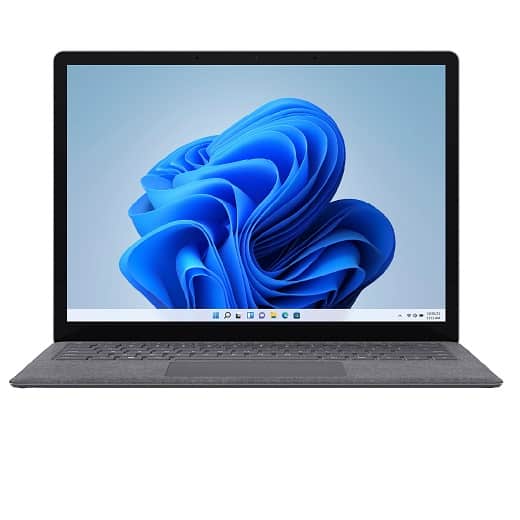
Microsoft Surface Laptop Screen Repair
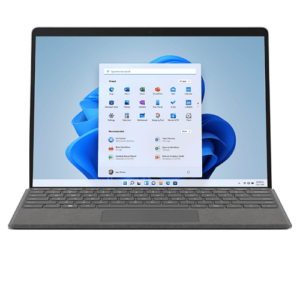
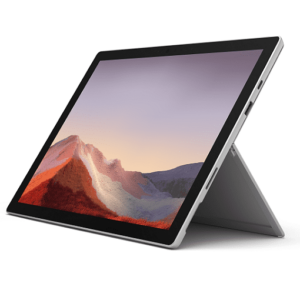
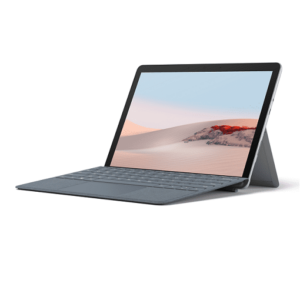
We repair your cracked Microsoft Surface Laptop Screen and get your Surface Laptop back Like New again.
This repair service will fix the cracked glass screen & LCD on your Microsoft Surface Laptop. This repair will also fix issues related to the touchscreen after cracking the glass.
Microsoft Surface Laptop Screen Replacement Cost
Select your Model Surface Laptop to get a price on the screen replacement.
Microsoft Suface Laptop Model Number:
The easiest way to find which Surface model you have is in the Surface app. It shows the model name of your Surface device and for each Surface accessory.
- Select Start , search for surface, then select the app from the list of results. Open the Surface app (Note: If you don’t see the Surface app in the search results, you might need to download the Surface app from the Microsoft Store.)
- Look at the top of the window (or expand Device information and look at the value next to Surface model).
Look in Settings:
- Right-click (or long-press) Start , then select Settings > System
- Scroll down and select About. Look near the top of the window—above Device specifications—to find the Surface model information.
Look in System information:
- Select Start , search for system, then select System Information from the list of results.
- Look for System Model in the pane on the right.
Trouble Shooting a Surface Pro
- If you can’t see the display at all after a drop due to a damaged LCD, try the following:
- Connect your Surface Pro to a monitor or TV using the DisplayPort. You may need a DisplayPort adapter if your external monitor doesn’t have a DisplayPort input.
- Press the “Windows Key” + the letter “P” simultaneously.
- Then press the down arrow three times.
- This will change the display to show on the external monitor. You can use your Surface Pro 3 this way
- This is also a good time to backup any important files you may have on the device.
- Use Mirosoft’s Trouble Shooting Guides
Other Models of the Surface we repair;
Nationwide Return Service
You send it to us – We Return it to you!
- We use An Post Business delivery service which is a signed for delivery.
About Celtic Repairs
We started our business back in 2013, this is our Family business and as such we value each & every repair as if it were our own device. This is why we always go the extra mile for you and we will always be available to answer any question or query you may have. Read more Celtic Repairs on our About us Page